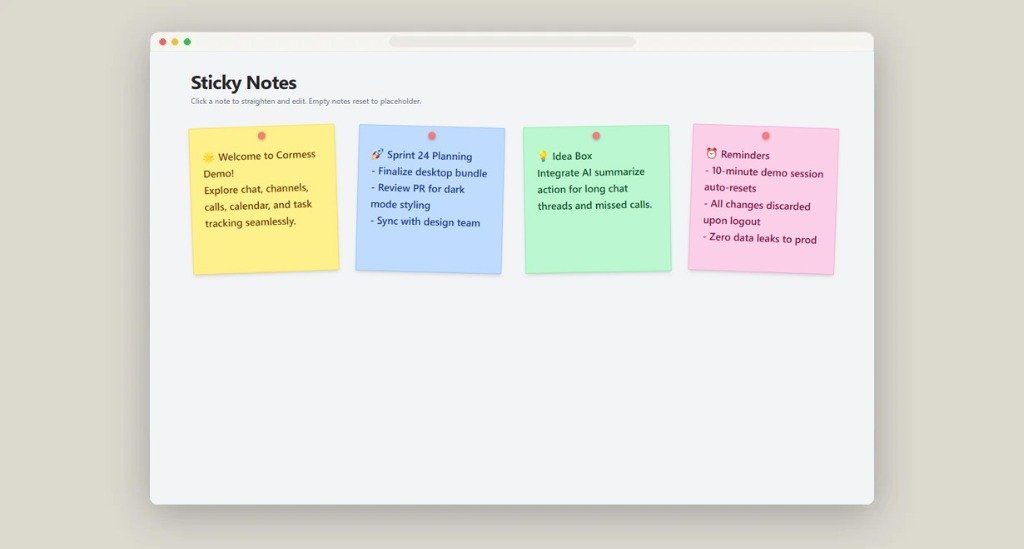
Communicate with purpose. Built for teams that move fast.

Synchronous team chat, 1-on-1 audio and video calls, persistent topic channels, and secure document sharing — engineered without the bloat, distractions, or slow sync times.

Latest Release: 20 Nov 2026, 3:30 PM (v1.0.0-v18)
1,300+
Total Downloads
850+
Active Pro Workspaces
99.98%
Uptime SLA
cormess.orixweb.com

Beginner Guide & Major Features

Explore Cormess interface, discover native communication tools, and connect your entire organization in minutes.
Learn More →
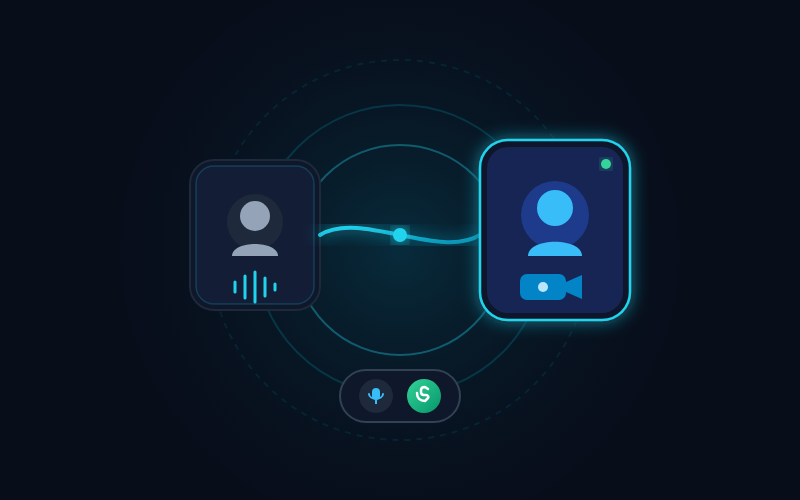
Cormess Crystal Clear Audio & Video Calls Mockup
01

Crystal Clear Audio & Video Calls

Connect instantly with ultra-low latency 1-on-1 and team audio/video calls powered by direct real-time media streams. No third-party dial-ins, invite codes, or lag.

Cormess Instant Team & Direct Messaging Mockup
02

Instant Team & Direct Messaging

Send real-time rich text, code blocks, live emoji reactions, and thread replies with instant double-tick delivery confirmations and active typing indicators.

Cormess HD Screen Sharing with Audio Mockup
03

HD Screen Sharing with Audio

Broadcast your entire desktop, single monitor, application window, or browser tab with crisp resolution and native system audio capture for code reviews, product walkthroughs, and presentations.

Cormess Call & Conference Recordings Mockup
04

Call & Conference Recordings

Capture important meetings, client consultations, and training workshops with one-click recording. Stored safely with end-to-end access permissions and instant playback.

Cormess Unified Corporate Email Client Mockup
05

Unified Corporate Email Client

Manage business emails right beside your team chats. Full support for inbox filtering, draft composing, email attachments, color labels, and unread priority tracking.

Cormess Interactive Team Polls & Surveys Mockup
06

Interactive Team Polls & Surveys

Reach quick team consensus on product roadmaps, sprint goals, or event planning with inline interactive polls featuring live percentage charts and multi-choice options.

Cormess Smart Tags, Mentions & Read Receipts Mockup
07

Profile Tags, Smart Mentions & Read Receipts

Showcase role tags (HR, Mgr, CEO, AM, TL, or custom title) directly on the top-right corner of user avatars, tag colleagues with @mentions, and track message read receipts in real time.

Cormess Dedicated Groups & Enterprise Collaborations Mockup
08

Dedicated Groups & Enterprise Collaborations

Organize projects with departmental channels, private executive rooms, guest collaboration access, and fine-grained administrative permissions across your company.

Corporate email, unified with your daily chat.

Stop switching between disjointed browser tabs and separate email apps. Cormess embeds a full-featured enterprise email client right alongside your team communication channels.

  • ✓ Unified Inbox & Folder Management — Read, compose, search, and label messages seamlessly.
  • ✓ Forward Emails Directly to Team Channels — Turn external client updates into instant internal discussion threads.
  • ✓ Zero Setup Complexity — Instant synchronization with standard IMAP/SMTP and custom corporate domains.
Cormess Corporate Email Client UI
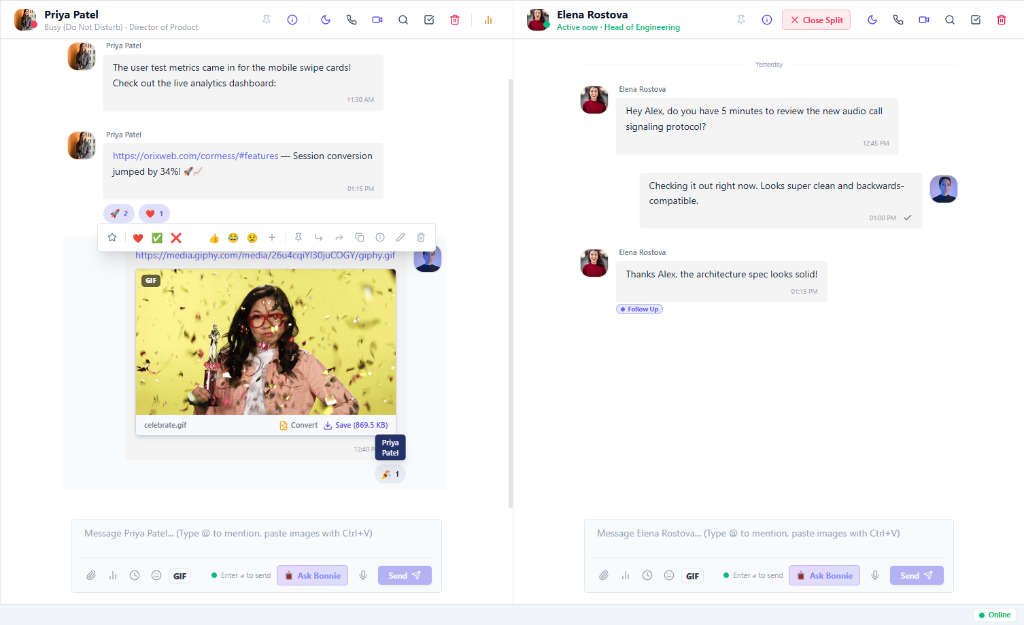
Cormess Split Screen Multi-Chat Workspace View

Work in two conversations at once with split-screen.

Stop losing context flipping back and forth between active discussion channels and private manager chats. Cormess delivers native split-screen docking so you stay fully synchronized.

  • ✓ Side-by-Side Dual Pane — Keep your executive board channel open while responding to live team direct messages.
  • ✓ Independent Scrolling & Typing — Search past code snippets in pane A while tracking incoming alerts in pane B.
  • ✓ One-Click Toggle — Split and merge panes instantly with intuitive keyboard shortcuts.

Animated emojis & expressive live reactions.

Bring team energy and warmth to remote collaboration. Cormess features animated emoji reactions, floating feedback bursts, and granular reaction counters designed to keep teams aligned and engaged.

  • ✓ Fluid Micro-Animations — Smooth, GPU-accelerated emoji animations that celebrate milestones without slowing down chat.
  • ✓ Hover Reaction Trays & Custom Sets — React with one tap: thumbs up, rocket, party popper, fire, or custom workspace emojis.
  • ✓ Granular Reaction Counters — Hover over any reaction to see who responded at what time.
Angry Face Angry
Weary Face Weary
Sad Face Sad
Kiss Heart Face Kiss Heart
Joy Face Joy
Heart Eyes Face Heart Eyes
Cool Face Cool
ROFL Face ROFL
Thinking Face Thinking
Party Face Party
Grin Face Grin
Smile Face Smile
Fire +18
Rocket +24
Party +42
Joy +15
Heart +31

More to Explore

Discover native workplace utilities, team productivity boosters, and built-in enterprise tools designed to streamline your daily workflow.

Workspace Feature Mockup

Select your platform and package.

Choose your Operating System, Architecture, and Version to download the verified installer.

Total Downloads: 1,300+
Active Pro Workspaces: 850+
Step 1: Choose Operating System All packages v1.0.0

Cormess for Windows

Windows 10 / 11

Official 64-bit desktop application installer

Updated: 16 Nov 2026, 01:55 PM (Build 1.0.0-r3)

Troubleshooting & Technical Questions

Clear solutions for platform security prompts, permissions, and first-time desktop launching.

Windows

Windows SmartScreen Warning

Microsoft Defender Filter
WINDOWS 10/11

If Windows displays an "Unrecognized app" blue banner during first launch:

1 Click on the "More info" hyperlink on the popup banner.
2 Click the newly visible "Run anyway" button to proceed with installation.

Why this occurs: Standard for fresh application releases while Microsoft SmartScreen builds trust reputation for updated code signatures.

Verified safe 64-bit installer • SHA-256 Validated
macOS

macOS Gatekeeper & Launch

Apple Silicon & Intel Universal
MACOS 11.0+
Step 1 (Download & Extract):

The download contains Cormess-Setup-1.0.0.dmg along with the official HOW TO RUN ON MAC.txt guide. Mount the DMG and drag Cormess.app into Applications.

Step 2 (If macOS Shows "Damaged" Prompt):

macOS Gatekeeper marks unsigned web downloads as damaged until verified. You can launch it instantly via Terminal or System Settings:

Terminal Gatekeeper Override Copy Command

Run this once in Mac Terminal to launch unrestricted:

xattr -cr /Applications/Cormess.app
⚠️ If nothing works on your Mac:

Use the full Web version immediately in your browser: https://cormess.orixweb.com/

Then send us your issue along with your Mac hardware model and macOS version details at orixwebdotcom@gmail.com. We will fix it for you!

Runs natively on M1/M2/M3/M4 & Intel Macs

Need Enterprise Setup Assistance?

Our infrastructure engineering team is available 24/7 to assist with active directory integrations, self-hosted TURN servers, or volume MDM package deployments.